> ## Documentation Index
> Fetch the complete documentation index at: https://docs.shipthing.com/llms.txt
> Use this file to discover all available pages before exploring further.
# 功能标志
> 控制应用程序中功能的访问权限。
功能标志(也称为功能开关)允许您控制应用程序中特定功能的访问权限。ShipThing 提供了一个简单但强大的功能标志系统,可用于:
* 逐步向用户推出功能
* 对新功能进行A/B测试
* 根据用户群体启用/禁用功能
* 控制对测试版或实验性功能的访问
## 工作原理
ShipThing 使用 Vercel 的 [Flags SDK](https://vercel.com/docs/workflow-collaboration/feature-flags/flags-pattern-nextjs) 实现功能标志,这主要是一种用于处理功能标志的架构模式。此设置存在于 `@repo/feature-flags` 包中,因此您可以根据需要在任意项目中导入和使用它。
我们创建了一个名为 `createFlag` 的智能函数,您可以使用它来创建新标志,包括身份验证、PostHog 集成和 [Vercel Toolbar](/zh/packages/toolbar) 覆盖,而无需麻烦。
对于 `FLAGS_SECRET`,您可以在终端中运行 `node -e "console.log(crypto.randomBytes(32).toString('base64url'))"` 或 `openssl rand -base64 32` 来生成随机值。
## 添加新标志
要添加新标志,只需在 PostHog 中创建一个功能标志,然后修改功能标志索引文件。让我们添加一个名为 `showAnalyticsFeature` 的新标志,该标志将对所有用户启用:
```ts packages/feature-flags/index.ts {4} theme={"system"}
import { createFlag } from './lib/create-flag';
export const showBetaFeature = createFlag('showBetaFeature');
export const showAnalyticsFeature = createFlag('showAnalyticsFeature');
```
确保您使用的密钥与 PostHog 中的密钥完全一致。
## 在应用程序中使用
要在应用程序中使用该标志,只需从 `@repo/feature-flags` 包中导入它,并将其用作普通的布尔值。
```tsx page.tsx theme={"system"}
import { showAnalyticsFeature } from '@repo/feature-flags';
import { notFound } from 'next/navigation';
export default function Page() {
const isEnabled = showAnalyticsFeature();
if (!isEnabled) {
notFound();
}
return Analytics feature is enabled
;
}
```
由于功能标志与用户绑定,因此只有在用户登录时才会生效。否则,标志将始终返回 `false`。
## 在开发中覆盖标志
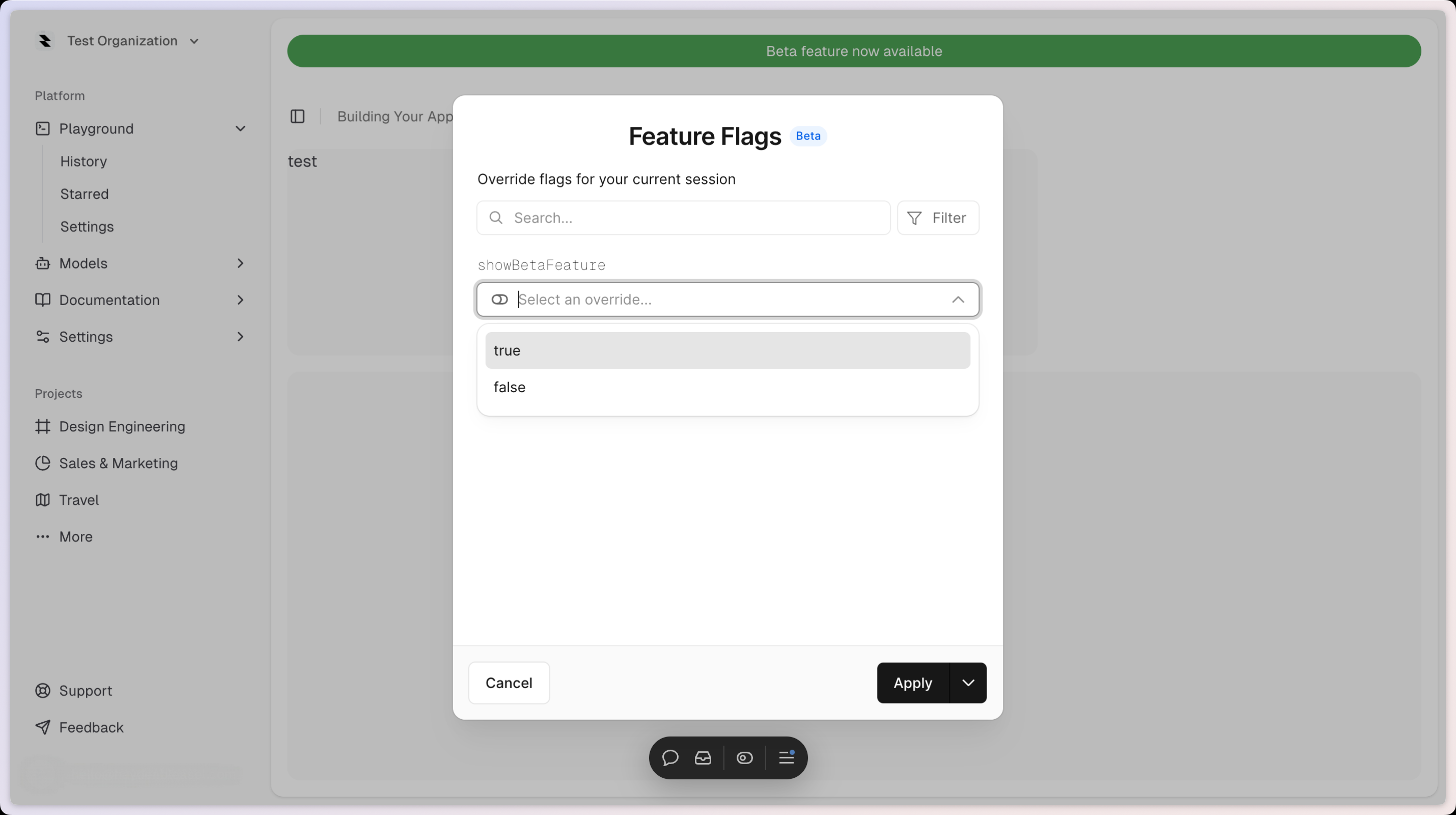
您可以使用 Vercel Toolbar 在开发中覆盖标志。只需点击右上角的"Flag"图标打开工具栏,然后选择您要覆盖的标志。