> ## Documentation Index
> Fetch the complete documentation index at: https://docs.shipthing.com/llms.txt
> Use this file to discover all available pages before exploring further.
# Live Chat
> How to configure live chat
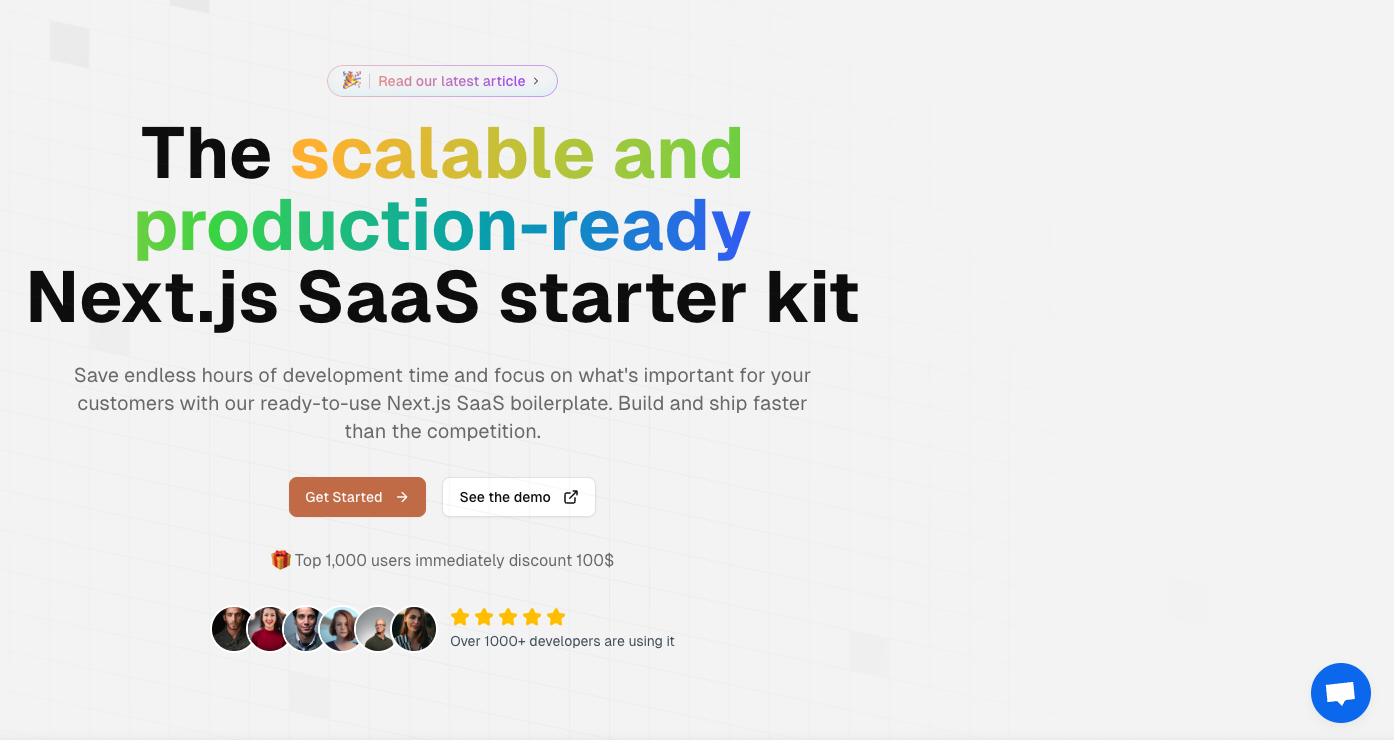 `Live Chat` allowing your users to communicate with you in real-time. We provides a simple way to integrate live chat into your application.
## Crisp
[Crisp](https://crisp.chat/) is Your AI-powered inbox for modern customer support.
Simple add `NEXT_PUBLIC_CRISP_WEBSITE_ID` environment variable to your project.
## UserDesk
[UserDesk](https://userdesk.io/) is a no-code solution to create ChatGPT-like bots, trained on your website, Notion, PDFs, and more.
Simple add `NEXT_PUBLIC_USERDESK_SITE_ID` and `NEXT_PUBLIC_USERDESK_SITE_SRC` environment variable to your project.
`Live Chat` allowing your users to communicate with you in real-time. We provides a simple way to integrate live chat into your application.
## Crisp
[Crisp](https://crisp.chat/) is Your AI-powered inbox for modern customer support.
Simple add `NEXT_PUBLIC_CRISP_WEBSITE_ID` environment variable to your project.
## UserDesk
[UserDesk](https://userdesk.io/) is a no-code solution to create ChatGPT-like bots, trained on your website, Notion, PDFs, and more.
Simple add `NEXT_PUBLIC_USERDESK_SITE_ID` and `NEXT_PUBLIC_USERDESK_SITE_SRC` environment variable to your project.