> ## Documentation Index
> Fetch the complete documentation index at: https://docs.shipthing.com/llms.txt
> Use this file to discover all available pages before exploring further.
# Overview
> Learn how to send emails in your application.
We integrates [React Email](https://react.email/) - a collection of high-quality, unstyled components for creating beautiful emails using React and TypeScript.
Why React Email
It gives you the ability to style your mails with Tailwind CSS just like in your application. Of course the config from your app is reused for your mails. It also gives you the ability to use components in your mails, so you can build a generic template and use it in all your mails.
## Providers
In the `@repo/email` package in your repository you can find the `providers` folder.
There are multiple providers available:
## Set `from` mail address
Next up, set the from mail address `EMAIL_FROM` environment variable. This is the mail address that will be used as the sender of all mails. Please make sure that the mail address and domain are verified in your mail provider.
## Email Templates
The templates, located in the `@repo/email` package. You can find them in the `packages/email/emails` directory.
### Create a mail template
To create a new mail template, simply create a new .tsx in the `emails` folder. This is a simple example of a mail template:
```tsx emails/my-email.tsx theme={"system"}
import { Button, Html } from "@react-email/components";
import * as React from "react";
export default function Email() {
return (
);
}
```
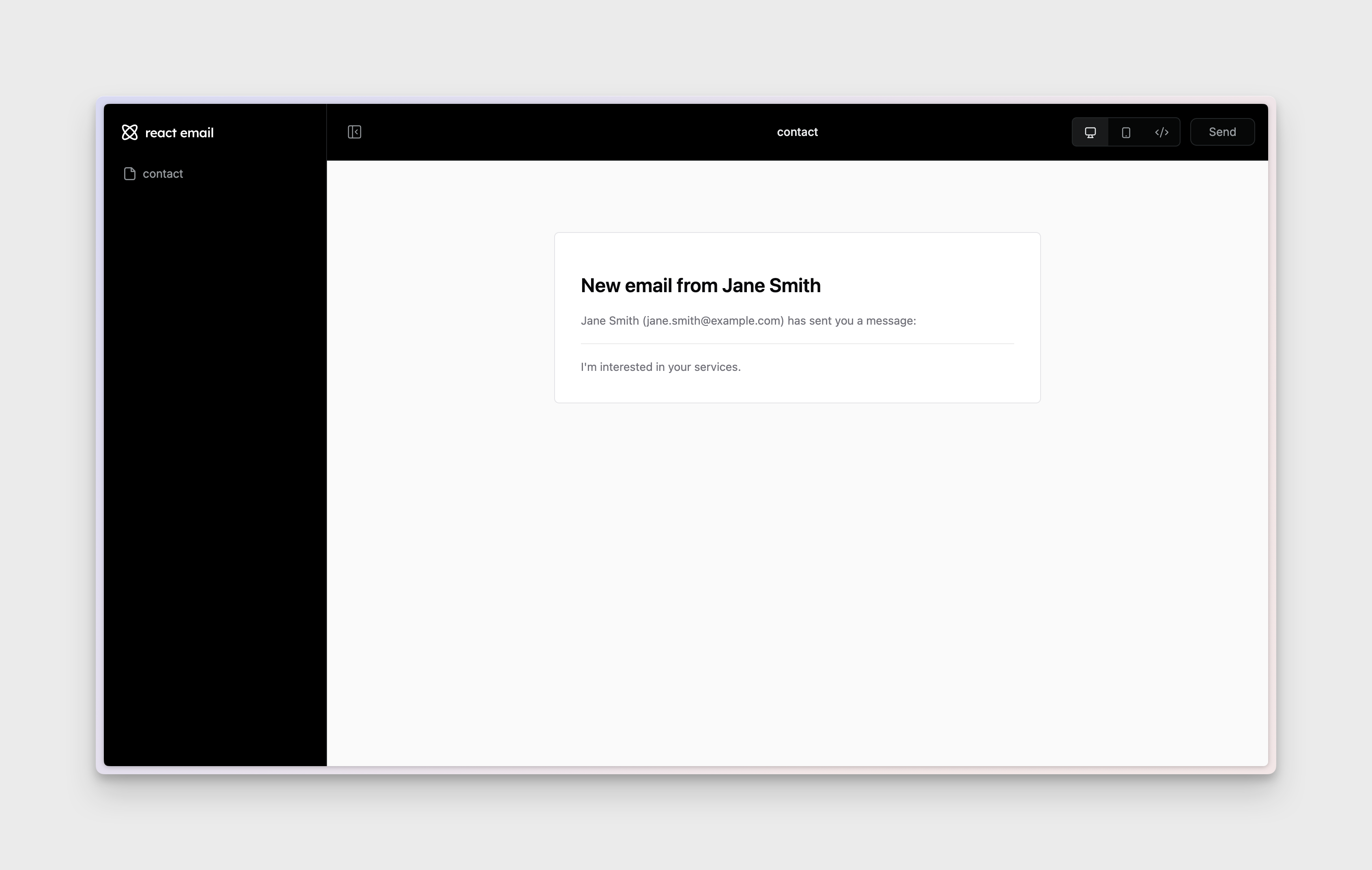
### Previewing Emails
The `email` application runs on port 3003.
To preview the emails templates, simply run the `email` package:
```sh Terminal theme={"system"}
pnpm --filter email dev
```
## Sending Emails
Sending an email is easy, and we'll show you how to do it in the next section.