> ## Documentation Index
> Fetch the complete documentation index at: https://docs.shipthing.com/llms.txt
> Use this file to discover all available pages before exploring further.
# Authentication
> We use Clerk to handle authentication, user and organization management.
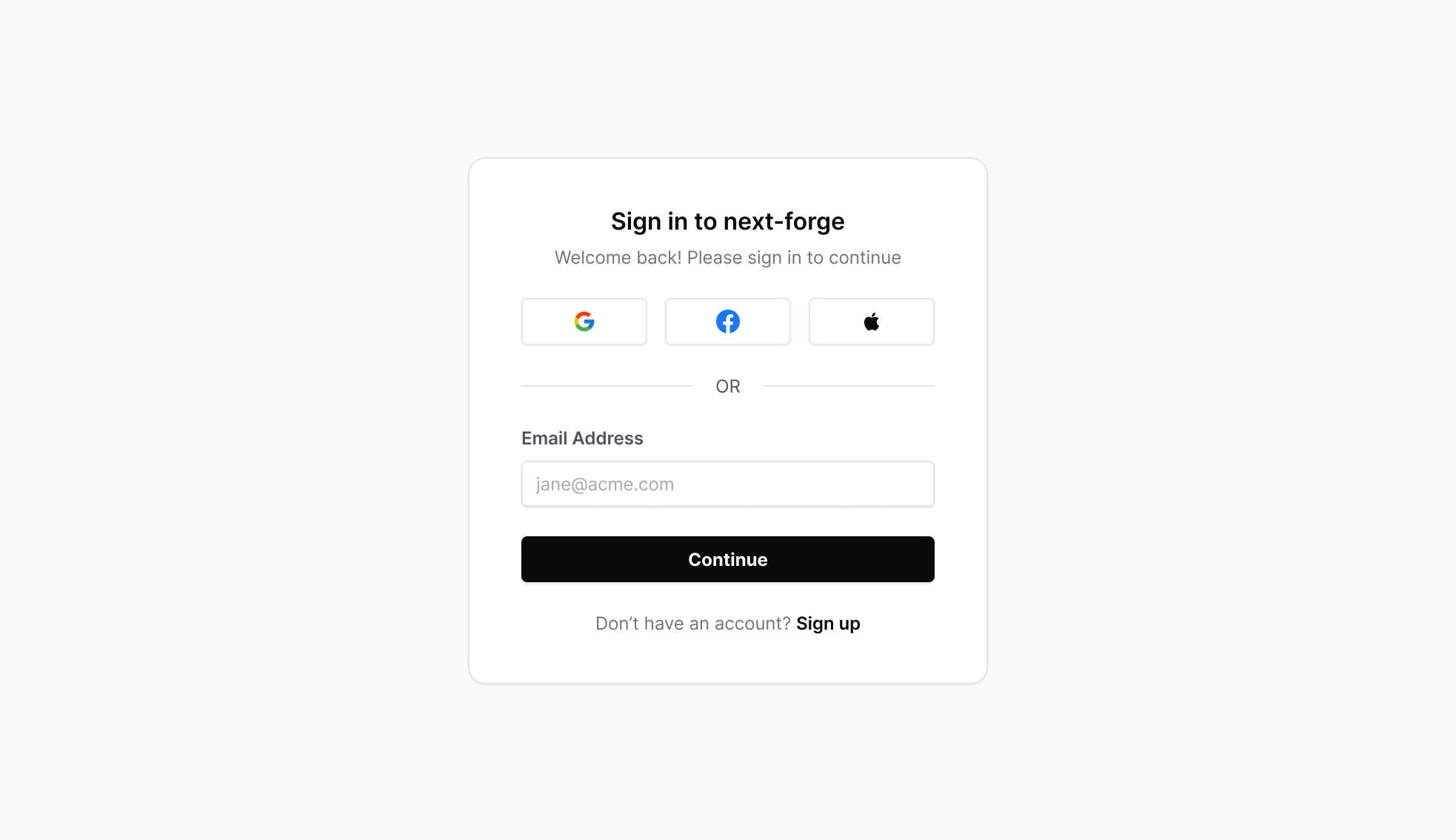 ShipThing manages authentication through the use of a `auth` package. By default, this package is a wrapper around [Clerk](https://clerk.com/) which provides a complete authentication and user management solution that integrates seamlessly with Next.js applications.
You need first to enable `Enable organizations` in your Clerk project settings to use the organization management features.
## Add Environment Variables
You need to add some environment variables for your application to use Clerk.
```env .env.local theme={"system"}
CLERK_WEBHOOK_SECRET=
NEXT_PUBLIC_CLERK_PUBLISHABLE_KEY=
NEXT_PUBLIC_CLERK_SIGN_IN_URL=
NEXT_PUBLIC_CLERK_SIGN_UP_URL=
NEXT_PUBLIC_CLERK_AFTER_SIGN_IN_URL=
NEXT_PUBLIC_CLERK_AFTER_SIGN_UP_URL=
```
## In-App
The `@repo/auth` package exposes an `AuthProvider`, however you don't need to use this directly. The [`DesignSystemProvider`](/packages/design-system/provider) includes all relevant providers and higher-order components.
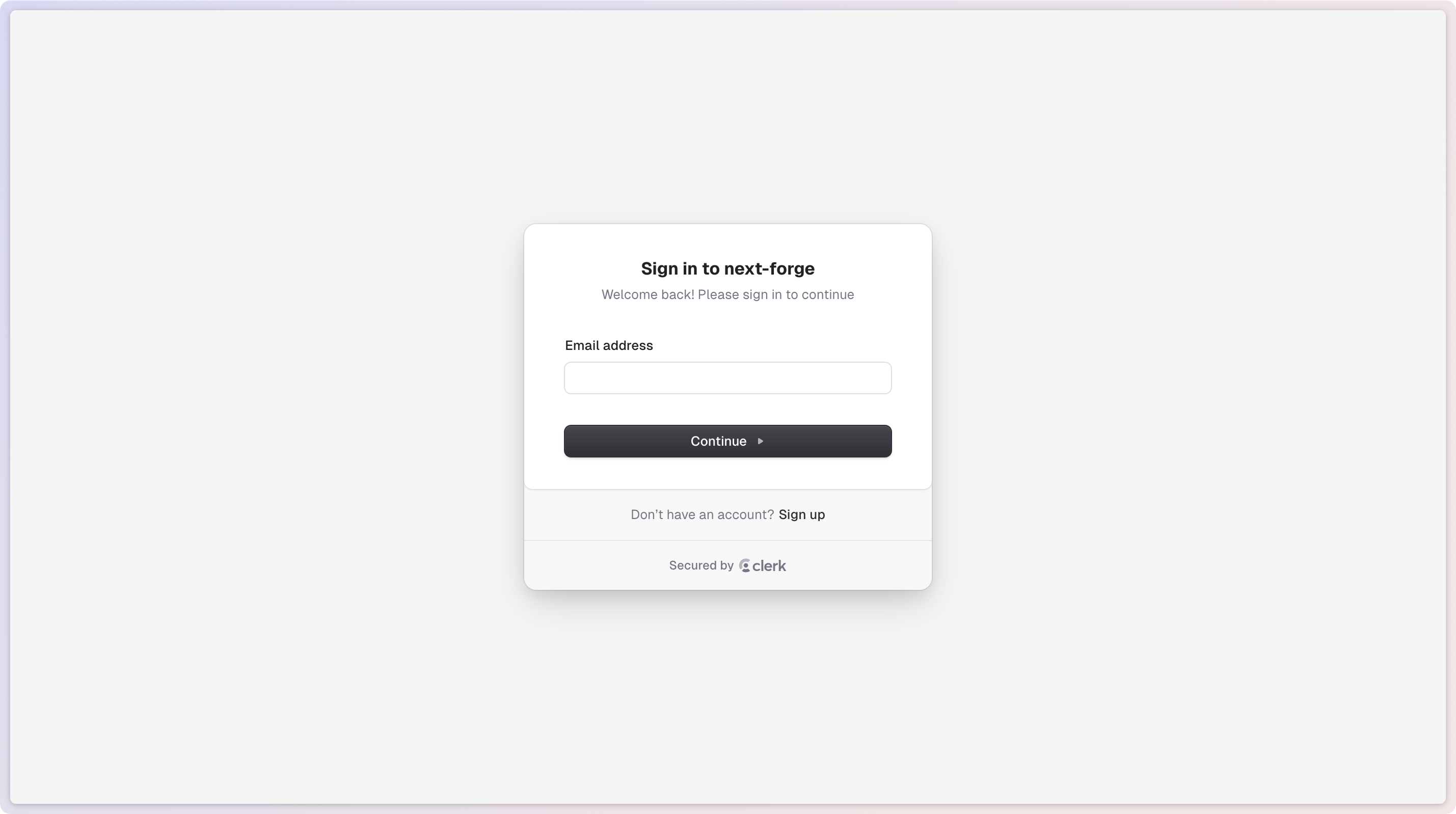
From here, you can use all the pre-built components and hooks provided by Clerk. To demonstrate this, we've added the `` and `` components to the sidebar, as well as built out the Sign In and Sign Up pages.
ShipThing manages authentication through the use of a `auth` package. By default, this package is a wrapper around [Clerk](https://clerk.com/) which provides a complete authentication and user management solution that integrates seamlessly with Next.js applications.
You need first to enable `Enable organizations` in your Clerk project settings to use the organization management features.
## Add Environment Variables
You need to add some environment variables for your application to use Clerk.
```env .env.local theme={"system"}
CLERK_WEBHOOK_SECRET=
NEXT_PUBLIC_CLERK_PUBLISHABLE_KEY=
NEXT_PUBLIC_CLERK_SIGN_IN_URL=
NEXT_PUBLIC_CLERK_SIGN_UP_URL=
NEXT_PUBLIC_CLERK_AFTER_SIGN_IN_URL=
NEXT_PUBLIC_CLERK_AFTER_SIGN_UP_URL=
```
## In-App
The `@repo/auth` package exposes an `AuthProvider`, however you don't need to use this directly. The [`DesignSystemProvider`](/packages/design-system/provider) includes all relevant providers and higher-order components.
From here, you can use all the pre-built components and hooks provided by Clerk. To demonstrate this, we've added the `` and `` components to the sidebar, as well as built out the Sign In and Sign Up pages.
 ## Webhooks
Clerk uses webhooks to handle authentication events. These are handled in the `POST /webhooks/clerk` route in the `api` app. Make sure you enable the webhook events you need in your Clerk project settings.
## Email Templates
Clerk handles authentication and authorization emails automatically. You can configure the theming of Clerk-sent emails in their dashboard.
### Local Development
We can use [Tunnel](/packages/payments/overview#tunnel) to test webhooks in local development.
Tunnel is a tool that exposes the ports of local machines to the Internet. This allows us to test webhook locally.
## Webhooks
Clerk uses webhooks to handle authentication events. These are handled in the `POST /webhooks/clerk` route in the `api` app. Make sure you enable the webhook events you need in your Clerk project settings.
## Email Templates
Clerk handles authentication and authorization emails automatically. You can configure the theming of Clerk-sent emails in their dashboard.
### Local Development
We can use [Tunnel](/packages/payments/overview#tunnel) to test webhooks in local development.
Tunnel is a tool that exposes the ports of local machines to the Internet. This allows us to test webhook locally.