> ## Documentation Index
> Fetch the complete documentation index at: https://docs.shipthing.com/llms.txt
> Use this file to discover all available pages before exploring further.
# Web Analytics
> Captures pageviews, pageleave and custom events.
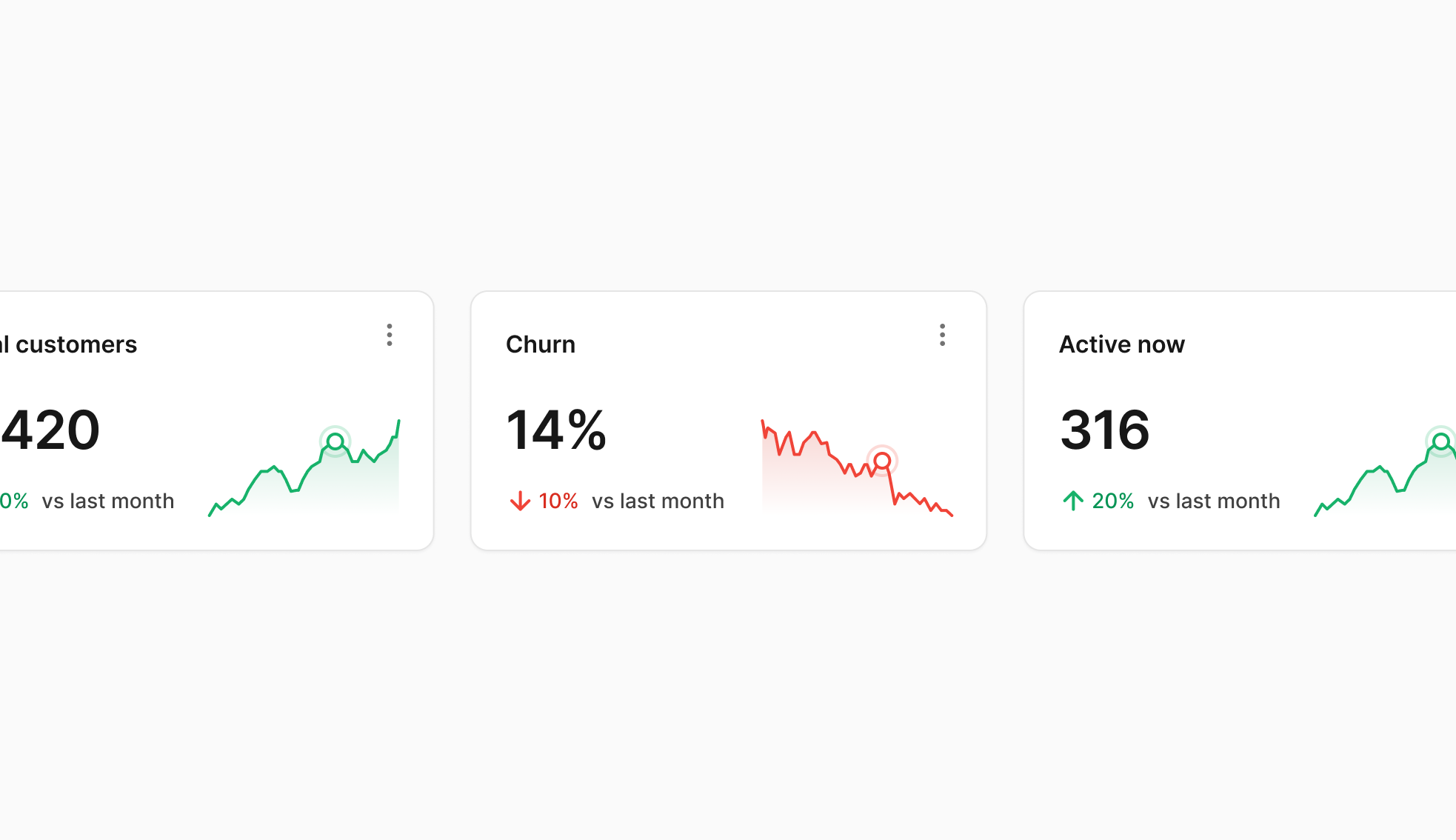 ShipThing comes with some web analytics libraries.
## Vercel Web Analytics
Vercel's built-in analytics tool offers detailed insights into your website's visitors with new metrics like top pages, top referrers, and demographics.
1. ### Add environment variables
First, you need to add the following environment variables to your project:
```js .env.local theme={"system"}
NEXT_PUBLIC_ENABLE_VERCEL_ANALYTICS="true"
```
2. ### Enable it from the Vercel dashboard
Then you have to do to enable it is visit the Analytics tab in your Vercel project and click Enable from the dialog.
Read more about it [here](https://vercel.com/docs/analytics/quickstart).
[Troubleshooting](https://vercel.com/docs/analytics/troubleshooting).
If everything is set up properly, you should be able to see a Fetch/XHR request in your browser's Network tab from `/_vercel/insights/view` when you visit any page.
If you see `_vercel/insights/script.js` 404, make sure you have enable it from the Vercel dashboard. Otherwise vercel will keep trying to re-request that js file, which will consume a lot of vercel requests.
## Google Analytics
[Google Analytics](https://analytics.google.com/) tracks user behavior, page views, session duration, and other engagement metrics to provide insights into user activity and marketing effectiveness. GA tracking code is injected using [@next/third-parties](https://nextjs.org/docs/app/building-your-application/optimizing/third-party-libraries#google-analytics) for performance reasons.
To enable it, simply add a `NEXT_PUBLIC_GA_MEASUREMENT_ID` environment variable to your project.
## Plausible
[Plausible.io](https://plausible.io/) is a simple, privacy-first alternative to Google Analytics.
To enable it, simply add `NEXT_PUBLIC_PLAUSIBLE_SITE_SRC` and `NEXT_PUBLIC_PLAUSIBLE_SITE_DOMAIN` environment variable to your project.
## Umami
[Umami](https://umami.is/) is a open source web analytics tool. It is a simple, self-hosted alternative to Google Analytics. It is privacy-friendly and does not use cookies. It is also fast and lightweight.
To enable it, simply add `NEXT_PUBLIC_UMAMI_SITE_ID` and `NEXT_PUBLIC_UMAMI_SITE_SRC` environment variable to your project.
## PostHog
[PostHog](https://posthog.com/) is a single platform to analyze, test, observe, and deploy new features. PostHog is a single platform to analyze, test, observe, and deploy new features. It comes with lots of products, including a web analytics tool, event analytics, feature flagging, and more.
PostHog's web analytics tool is enabled by default and captures pageviews, pageleave and custom events.
To enable it, simply add `NEXT_PUBLIC_POSTHOG_KEY` and `NEXT_PUBLIC_POSTHOG_HOST` environment variable to your project.
### Session Replay
PostHog's session replays let you see exactly what users do on your site. It records console logs and network errors, and captures performance data like resource timings and blocked requests. This is disabled by default, so make sure you enable it in your project settings.
ShipThing comes with some web analytics libraries.
## Vercel Web Analytics
Vercel's built-in analytics tool offers detailed insights into your website's visitors with new metrics like top pages, top referrers, and demographics.
1. ### Add environment variables
First, you need to add the following environment variables to your project:
```js .env.local theme={"system"}
NEXT_PUBLIC_ENABLE_VERCEL_ANALYTICS="true"
```
2. ### Enable it from the Vercel dashboard
Then you have to do to enable it is visit the Analytics tab in your Vercel project and click Enable from the dialog.
Read more about it [here](https://vercel.com/docs/analytics/quickstart).
[Troubleshooting](https://vercel.com/docs/analytics/troubleshooting).
If everything is set up properly, you should be able to see a Fetch/XHR request in your browser's Network tab from `/_vercel/insights/view` when you visit any page.
If you see `_vercel/insights/script.js` 404, make sure you have enable it from the Vercel dashboard. Otherwise vercel will keep trying to re-request that js file, which will consume a lot of vercel requests.
## Google Analytics
[Google Analytics](https://analytics.google.com/) tracks user behavior, page views, session duration, and other engagement metrics to provide insights into user activity and marketing effectiveness. GA tracking code is injected using [@next/third-parties](https://nextjs.org/docs/app/building-your-application/optimizing/third-party-libraries#google-analytics) for performance reasons.
To enable it, simply add a `NEXT_PUBLIC_GA_MEASUREMENT_ID` environment variable to your project.
## Plausible
[Plausible.io](https://plausible.io/) is a simple, privacy-first alternative to Google Analytics.
To enable it, simply add `NEXT_PUBLIC_PLAUSIBLE_SITE_SRC` and `NEXT_PUBLIC_PLAUSIBLE_SITE_DOMAIN` environment variable to your project.
## Umami
[Umami](https://umami.is/) is a open source web analytics tool. It is a simple, self-hosted alternative to Google Analytics. It is privacy-friendly and does not use cookies. It is also fast and lightweight.
To enable it, simply add `NEXT_PUBLIC_UMAMI_SITE_ID` and `NEXT_PUBLIC_UMAMI_SITE_SRC` environment variable to your project.
## PostHog
[PostHog](https://posthog.com/) is a single platform to analyze, test, observe, and deploy new features. PostHog is a single platform to analyze, test, observe, and deploy new features. It comes with lots of products, including a web analytics tool, event analytics, feature flagging, and more.
PostHog's web analytics tool is enabled by default and captures pageviews, pageleave and custom events.
To enable it, simply add `NEXT_PUBLIC_POSTHOG_KEY` and `NEXT_PUBLIC_POSTHOG_HOST` environment variable to your project.
### Session Replay
PostHog's session replays let you see exactly what users do on your site. It records console logs and network errors, and captures performance data like resource timings and blocked requests. This is disabled by default, so make sure you enable it in your project settings.