> ## Documentation Index
> Fetch the complete documentation index at: https://docs.shipthing.com/llms.txt
> Use this file to discover all available pages before exploring further.
# Web
> How the website application works in ShipThing.
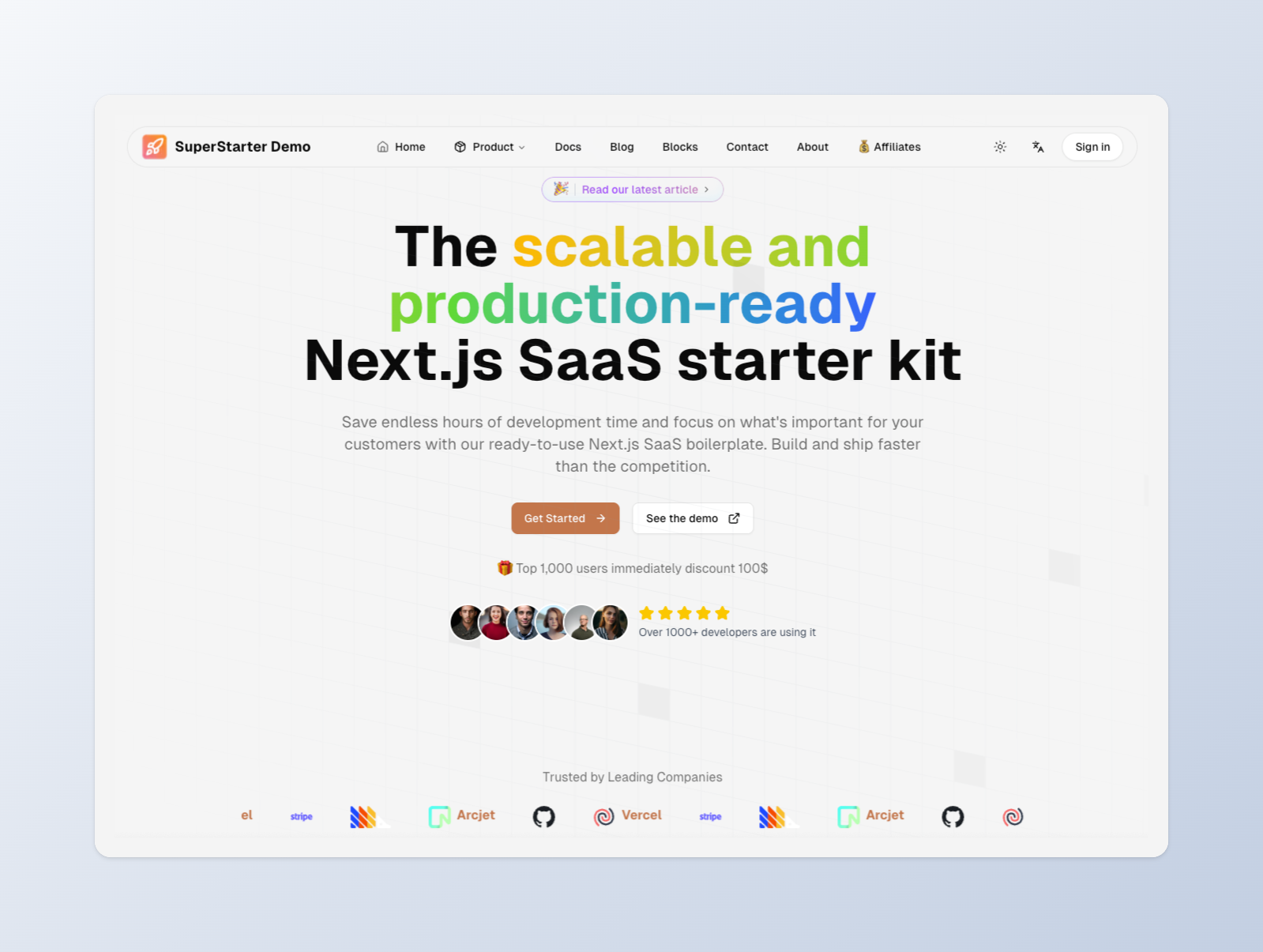 The `web` application runs on port 3001. We recommend deploying it to `www.{yourdomain}.com`.
ShipThing comes with a default website application that is usually called Landing Page, which is located in the `apps/web` folder.
## Overview
It has everything you need for a startup page, we built it using the [blocks component](/packages/design-system/blocks), you can build your site like building blocks by modifying the [configurations](/setup/configuration/app-config) in minutes.
Did you know that we provide dozens of blocks including `header` , `footer` , `hero` , `features` , `subscribe`, `waitlist`, `faq` , `pricing` , `testimonials` , `cta` , `usage`, `login`, `brand` and `contact` . You can find them in [blocks component](/packages/design-system/blocks).
You can find examples of their usage in [storybook](/apps/storybook).
## Features
* **Design System**: The app is connected to the [Design System](/packages/design-system) and includes a variety of components, hooks, and utilities to help you get started.
* **CMS**: The app is connected to the [CMS](/packages/cms) package to power your type-safe blog , docs , and legal pages.
* **SEO**: The app is connected to the [SEO](/packages/seo) package which optimizes the site for search engines.
* **Analytics**: The app is connected to the [Analytics](/packages/analytics) package to track visitor behavior.
* **Observability**: The app is connected to the [Observability](/packages/observability) package to track errors and performance.
## Development
To start the app, run the following command in the root directory:
```sh Terminal theme={"system"}
pnpm --filter web dev
```
The `web` application runs on port 3001. We recommend deploying it to `www.{yourdomain}.com`.
ShipThing comes with a default website application that is usually called Landing Page, which is located in the `apps/web` folder.
## Overview
It has everything you need for a startup page, we built it using the [blocks component](/packages/design-system/blocks), you can build your site like building blocks by modifying the [configurations](/setup/configuration/app-config) in minutes.
Did you know that we provide dozens of blocks including `header` , `footer` , `hero` , `features` , `subscribe`, `waitlist`, `faq` , `pricing` , `testimonials` , `cta` , `usage`, `login`, `brand` and `contact` . You can find them in [blocks component](/packages/design-system/blocks).
You can find examples of their usage in [storybook](/apps/storybook).
## Features
* **Design System**: The app is connected to the [Design System](/packages/design-system) and includes a variety of components, hooks, and utilities to help you get started.
* **CMS**: The app is connected to the [CMS](/packages/cms) package to power your type-safe blog , docs , and legal pages.
* **SEO**: The app is connected to the [SEO](/packages/seo) package which optimizes the site for search engines.
* **Analytics**: The app is connected to the [Analytics](/packages/analytics) package to track visitor behavior.
* **Observability**: The app is connected to the [Observability](/packages/observability) package to track errors and performance.
## Development
To start the app, run the following command in the root directory:
```sh Terminal theme={"system"}
pnpm --filter web dev
```