> ## Documentation Index
> Fetch the complete documentation index at: https://docs.shipthing.com/llms.txt
> Use this file to discover all available pages before exploring further.
# Storybook
> Frontend workshop for the design system
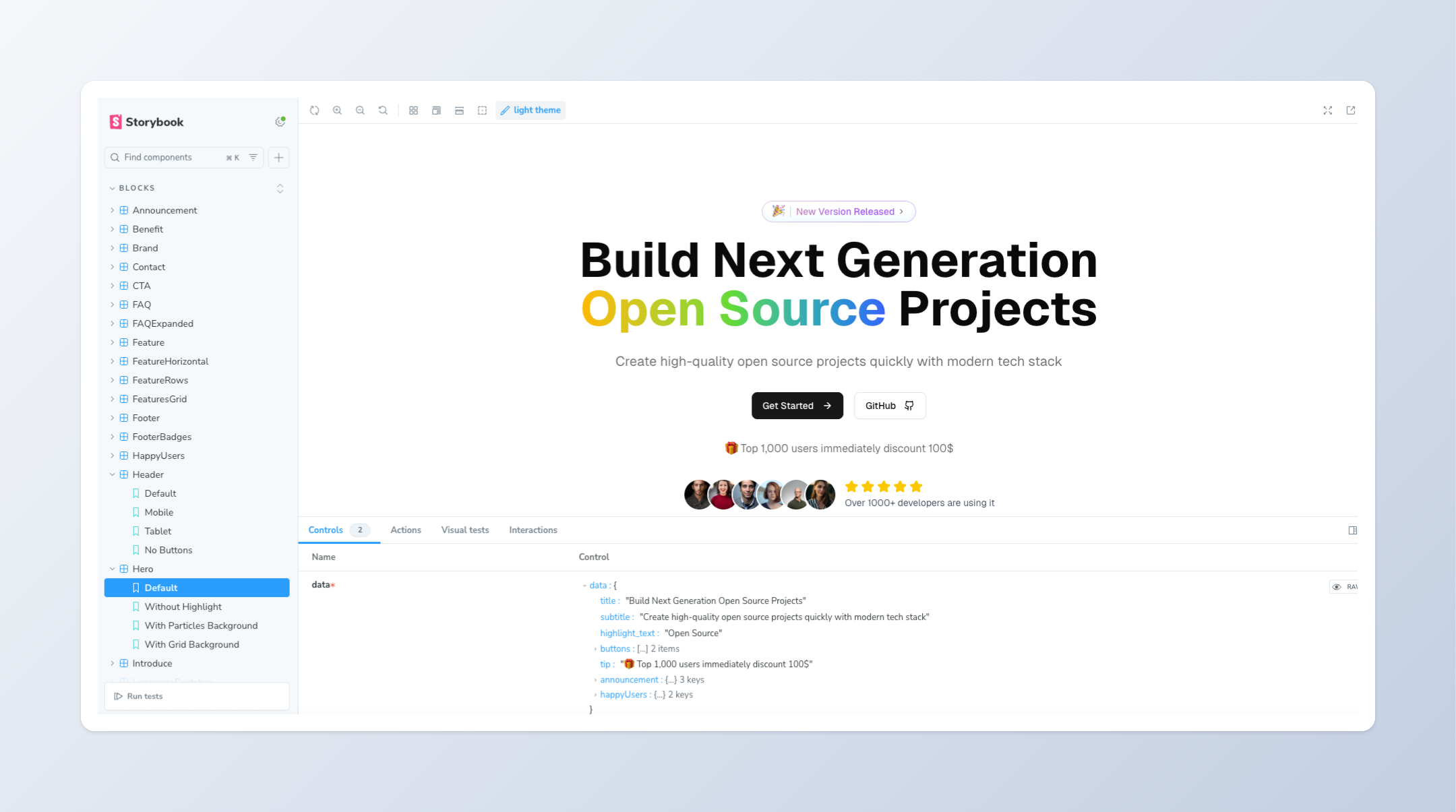 The `storybook` application runs on port 6006.
ShipThing uses [Storybook](https://storybook.js.org/) as a frontend workshop for the design system. It allows you to interact with the components in the design system, and see how they behave in different states.
## Configuration
By default, Storybook is configured with our [blocks](/packages/design-system/blocks) and every component from [shadcn/ui](https://ui.shadcn.com/), and allows you to interact with them. It is also configured with the relevant fonts and higher-order components to ensure a consistent experience between your application and Storybook.
## Development
To start the app, run the following command in the root directory:
```sh Terminal theme={"system"}
pnpm --filter storybook dev
```
## Adding stories
You can add your own components to the workshop by adding them to the `apps/storybook/stories` directory. Each component should have its own `.stories.tsx` file.
Adding a storybook is very simple, just follow the examples. The benefit of separating the component UI from the data is that you can reuse components across different applications, ensuring a consistent visual experience across all applications.
The `storybook` application runs on port 6006.
ShipThing uses [Storybook](https://storybook.js.org/) as a frontend workshop for the design system. It allows you to interact with the components in the design system, and see how they behave in different states.
## Configuration
By default, Storybook is configured with our [blocks](/packages/design-system/blocks) and every component from [shadcn/ui](https://ui.shadcn.com/), and allows you to interact with them. It is also configured with the relevant fonts and higher-order components to ensure a consistent experience between your application and Storybook.
## Development
To start the app, run the following command in the root directory:
```sh Terminal theme={"system"}
pnpm --filter storybook dev
```
## Adding stories
You can add your own components to the workshop by adding them to the `apps/storybook/stories` directory. Each component should have its own `.stories.tsx` file.
Adding a storybook is very simple, just follow the examples. The benefit of separating the component UI from the data is that you can reuse components across different applications, ensuring a consistent visual experience across all applications.